Amazon seller operations software
Every brand. One console.
Your team runs Amazon across five tabs: ClickUp for tasks, Slack for chat, Google Sheets for listing content, Google Drive for product files and Sellerboard for performance. Seller Console replaces all of them with one workspace per brand, so your team runs the brand instead of the tools.
One console instead of five tabs — built only for marketplace sellers and the agencies that run them.
5
Tools replaced: ClickUp, Slack, Sheets, Drive, Sellerboard
1
Workspace per brand
3
Steps to get running
€9.99
Per month, cancel any time
Task boards
Spaces, lanes and custom fields for each brand — instead of ClickUp.
Listing content
Titles, bullets, descriptions and A+ content with approvals — instead of Google Sheets.
Product files
Images, certificates and spec sheets attached to the product — instead of Google Drive.
Team chat & performance
Channels per brand and sessions, CTR and conversion per product — instead of Slack and Sellerboard.
One console instead of five tabs
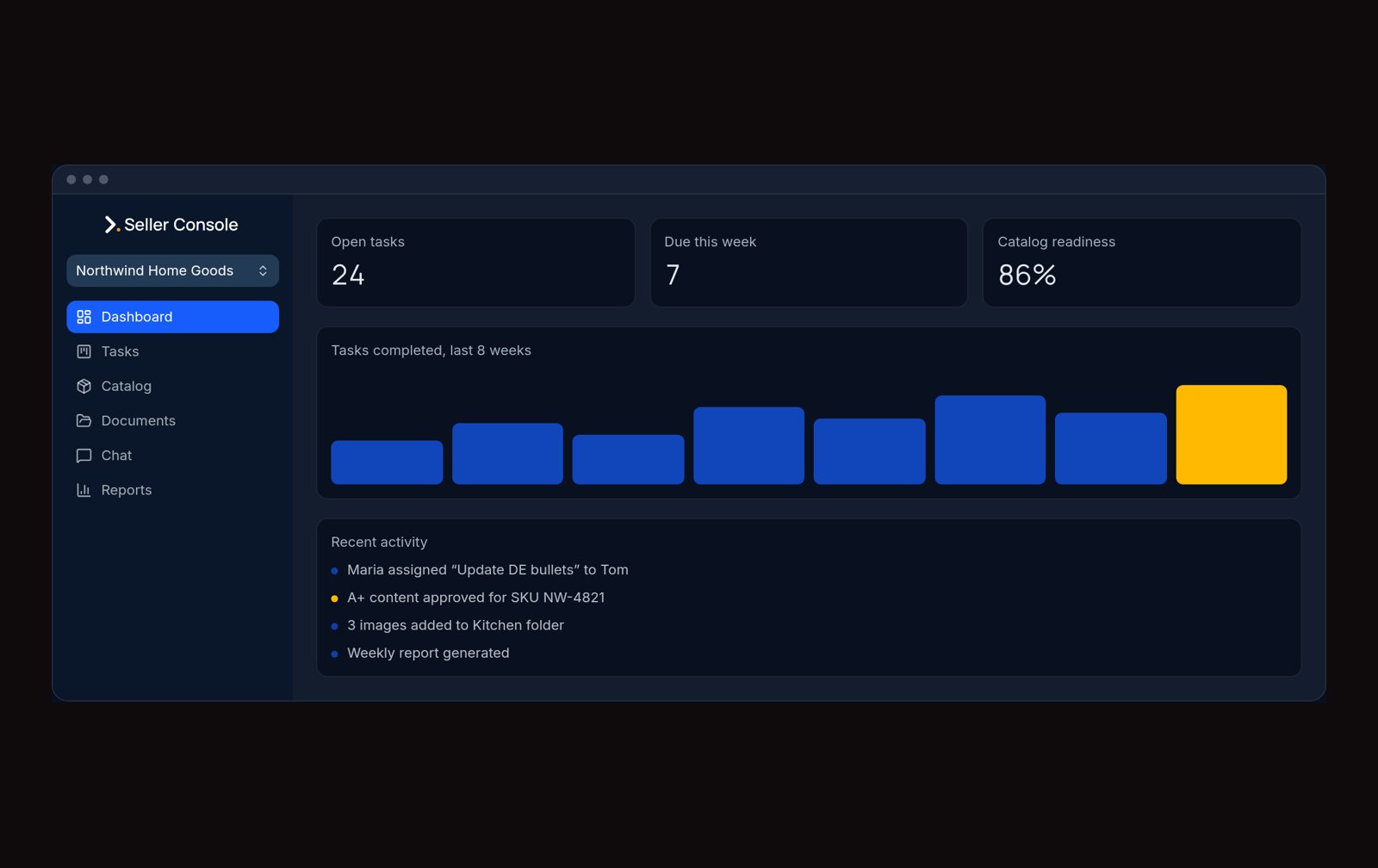
Every brand opens on where it stands right now
Open tasks, tasks due this week, catalog readiness and recent activity per brand. Separate workspaces per brand, rights per teammate, and reporting you can hand to the client.
- Open tasks, due this week and catalog readiness
- Recent activity feed per brand
- Rights per teammate: view, edit, approve
Task boards
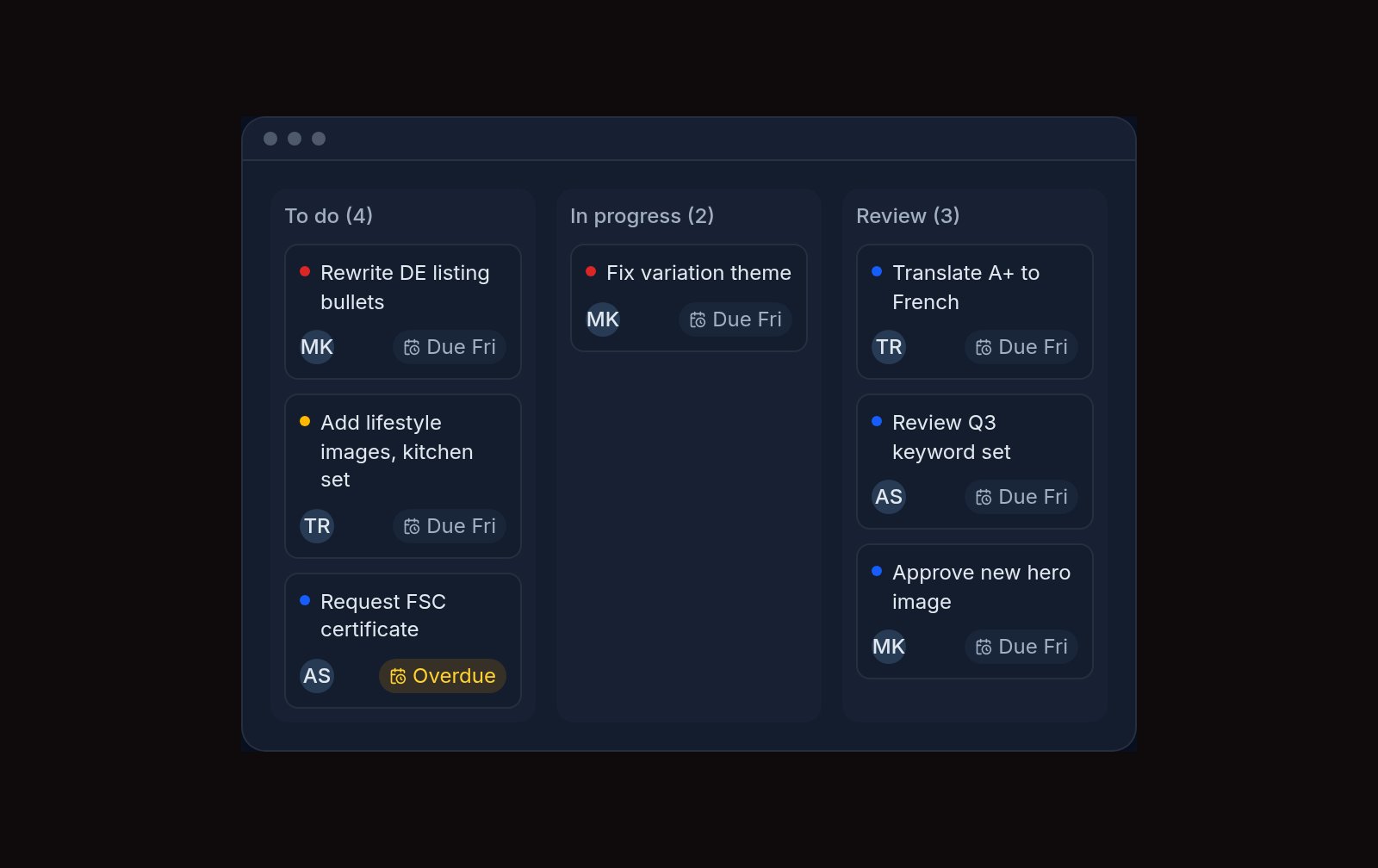
Every task owned and dated
Spaces, lanes and custom fields for each brand. Assign work, set due dates and see what’s blocked without opening a spreadsheet.
- Lanes and custom fields per space
- Assignees, due dates and priorities
- Weekly and monthly task reporting
Listing content
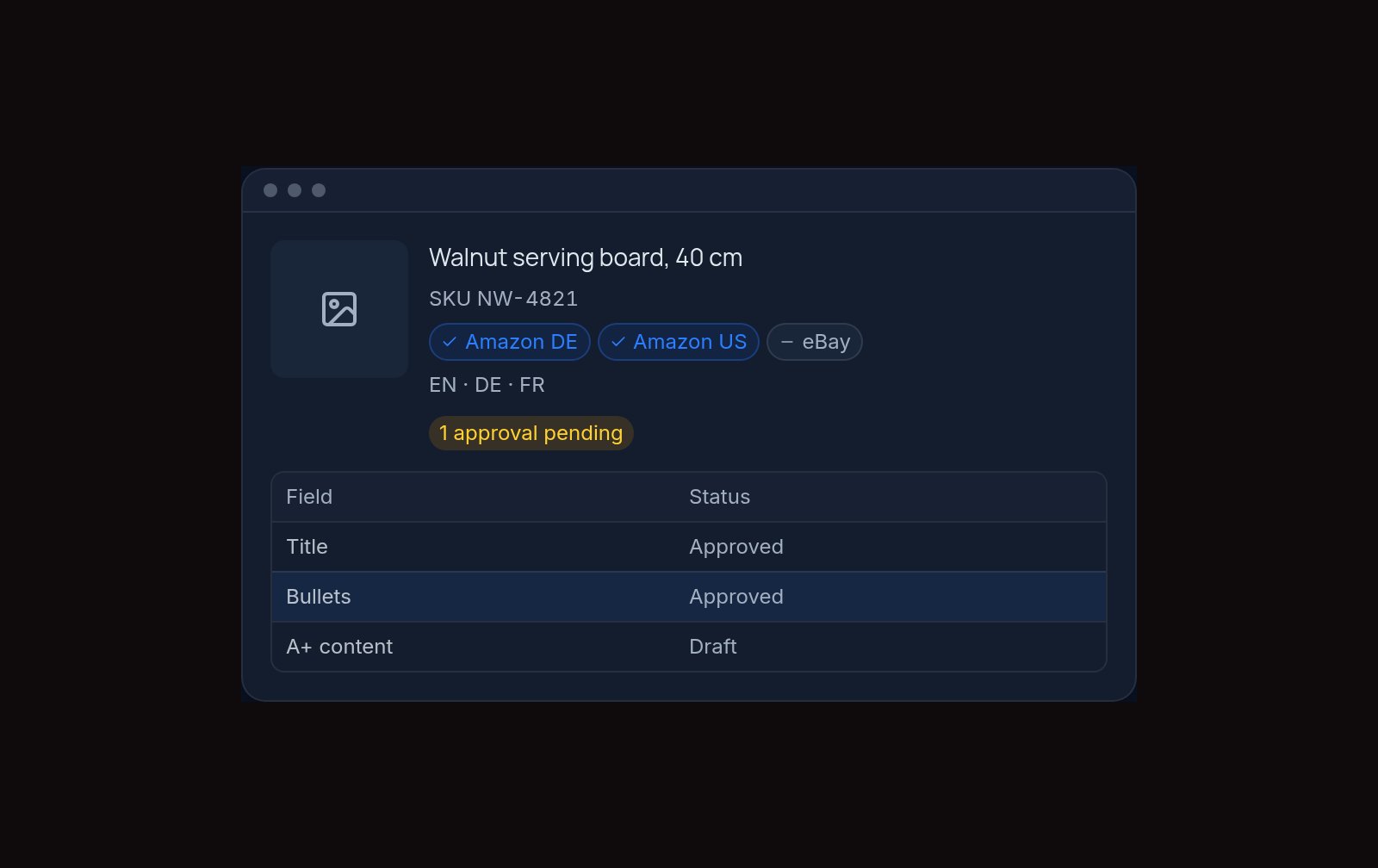
Listing content, per marketplace and language
Titles, bullets, descriptions and A+ content live with each product. Track approvals and marketplace coverage in one view.
- Content per language and marketplace
- Approval flow with reviewer sign-off
- Coverage at a glance per SKU
Product documents
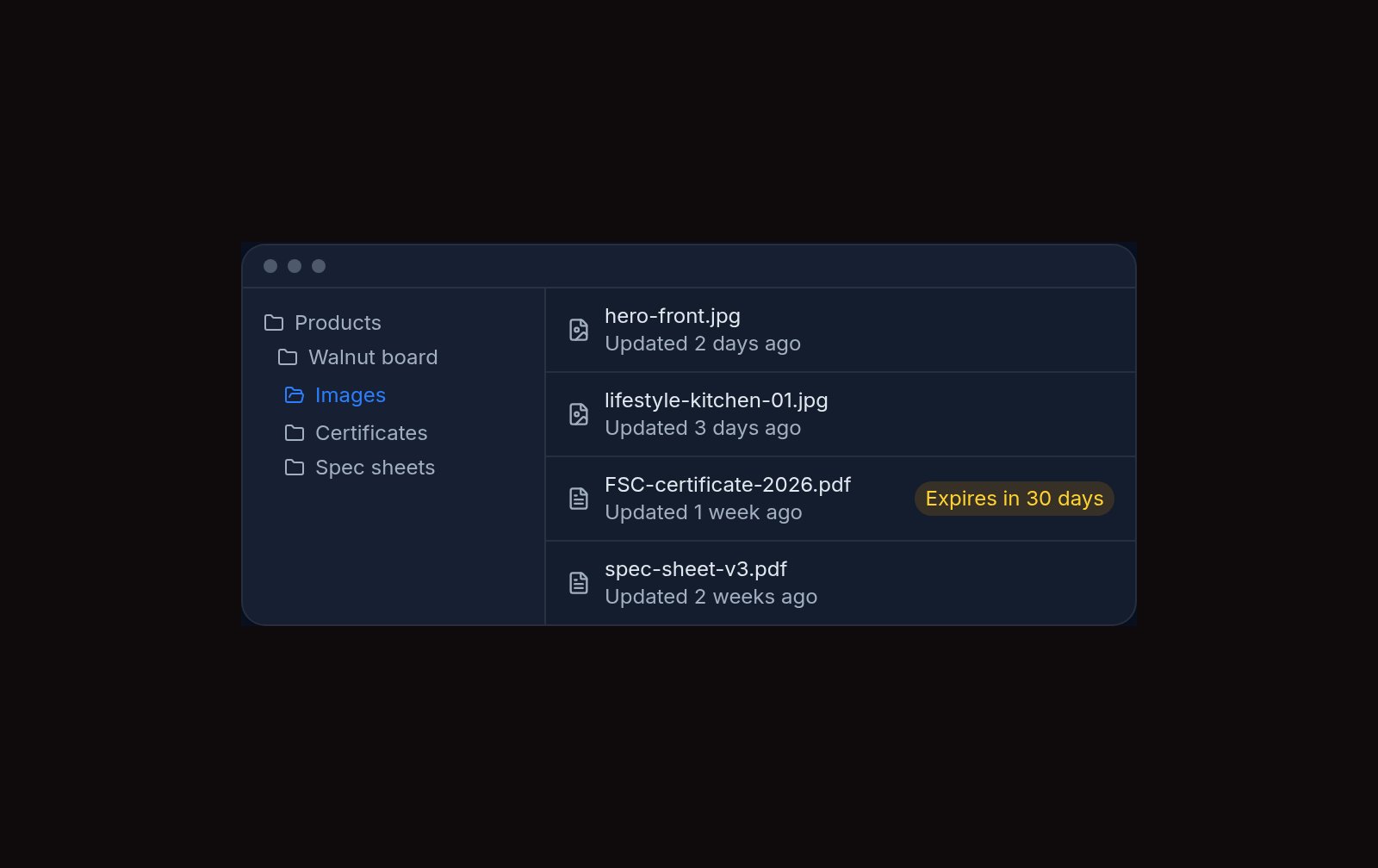
One source of truth for product information
Certificates, spec sheets, image folders and product data stay attached to the product they belong to, so nobody hunts through email for the latest file.
- Image folders per product
- Certificates and spec sheets
- Product data fields your team defines
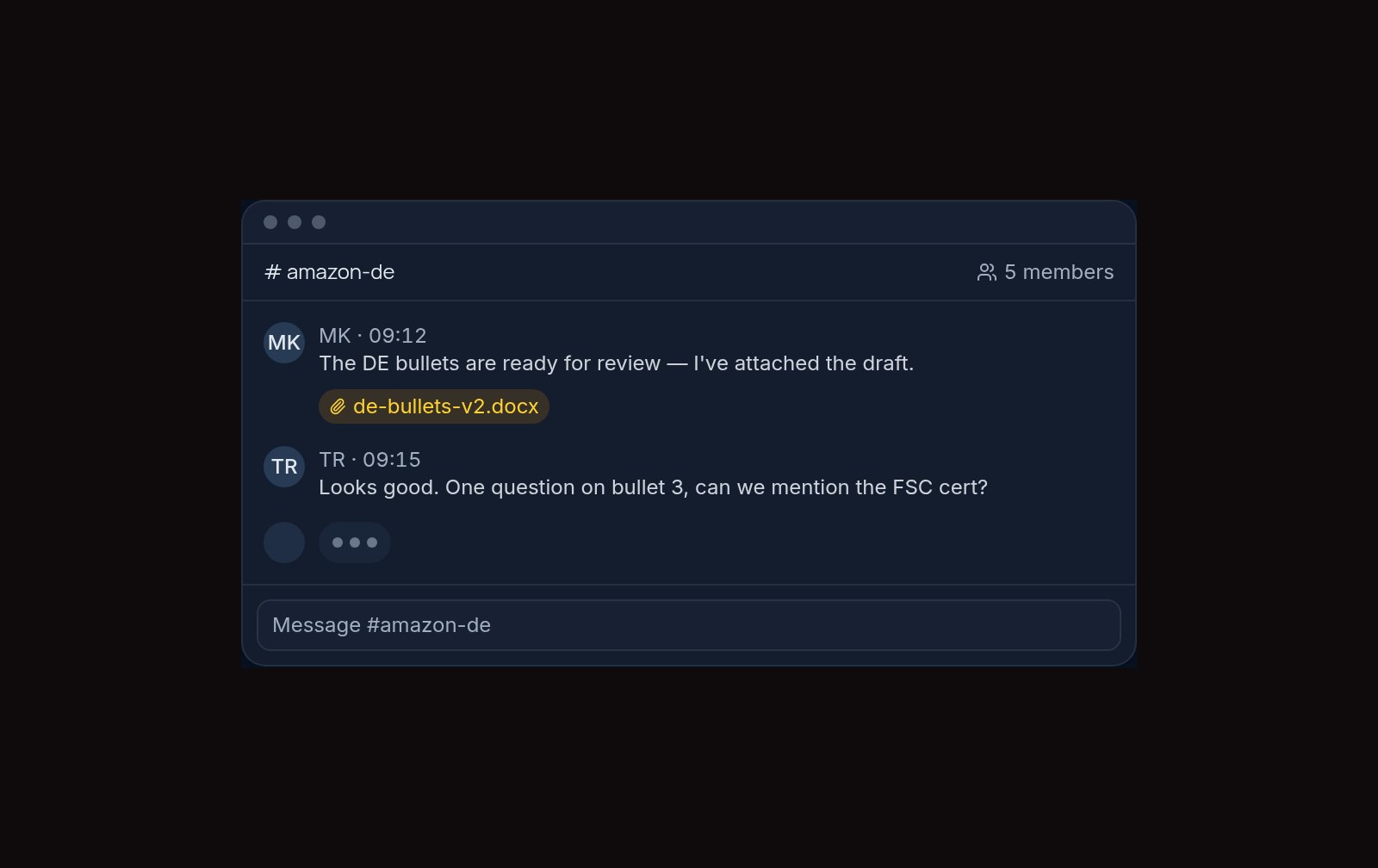
Team chat
Conversations next to the work
Channels for each brand and direct messages between teammates, with notes and files attached to the thread they came from.
- Channels per brand
- Direct messages and shared notes
- Attachments stay with the thread
Workflow reporting
See what moved, and what’s stuck
Track how fast tasks move from lane to lane, find where work lags, and fix the SOP behind it.
- Weekly and monthly views per brand and per teammate
- Time in lane and completion speed
- Lagging tasks surfaced before deadlines slip
Seller performance & Listing SEO
Catch a decline before it becomes a problem
Sessions, click-through rate and conversion per product, with trend deltas that flag a drop early. Upload Search Query Performance data and Listing SEO turns it into keyword opportunities and SEO briefs.
- Sessions, CTR and conversion per product
- 4-week trend deltas on every metric
- Keyword opportunities and SEO briefs from Search Query Performance
Built for
Everything inside
Brand workspaces
A separate workspace per brand with its own boards, catalog, documents and channels, and rights per teammate to view, edit or approve.
Task boards
Spaces, lanes and custom fields per brand. Assign work, set due dates and priorities and see what’s blocked.
Listing content
Titles, bullets, descriptions and A+ content per marketplace and language, with a reviewer sign-off before anything goes live.
Product documents
Image folders, certificates, spec sheets and product data fields your team defines — one source of truth.
Inventory & coverage
Track inventory levels and see at a glance which marketplaces each SKU is listed in.
Listing SEO
Upload Search Query Performance data and get keyword opportunities, tags and SEO briefs, with the highest-value fix first.
Seller performance
Sessions, click-through rate and conversion per product, with 4-week trend deltas that flag a decline early.
Team chat
Channels per brand and direct messages, with notes and files attached to the thread they came from.
Workflow reporting
Weekly and monthly views per brand and per teammate: time in lane, completion speed and lagging tasks.
Questions sellers ask
Which marketplaces does Seller Console work with?
Amazon is the marketplace it is built around today. You record which Amazon marketplaces each product is listed in and upload seller performance exports to review sessions, CTR and conversion per product. Direct sync with Amazon, eBay, Walmart and Etsy is on the roadmap.
How do I set up a brand workspace?
Add a brand, and Seller Console creates its own boards, catalog, documents and channels. Then invite teammates and decide who can view, edit and approve.
Can I control what each teammate can see and do?
Yes. Rights are set per teammate and per brand, so freelancers, VAs and clients only see the brands they work on.
What can I export from reporting?
Weekly and monthly views per brand and per teammate covering tasks added, moved and completed, time in lane and lagging tasks — ready to hand to a client.
What does it cost?
€9.99 per month, billed monthly and cancellable any time.
Billed monthly, cancel any time. Create your console and add your first brand inside the app.
- A workspace per brand with rights per teammate
- Task boards with spaces, lanes and custom fields
- Listing content per marketplace and language
- Approval flow with reviewer sign-off
- Product documents, certificates and spec sheets
- Brand channels, direct messages and shared notes
- Weekly and monthly reporting per brand and teammate
- Sessions, CTR and conversion per product
Other tools
A clear next step
Run every brand from one place
Create your console and add your first brand, or book a free consultation and we’ll show you Seller Console running on a live managed brand.
Book a free consultation